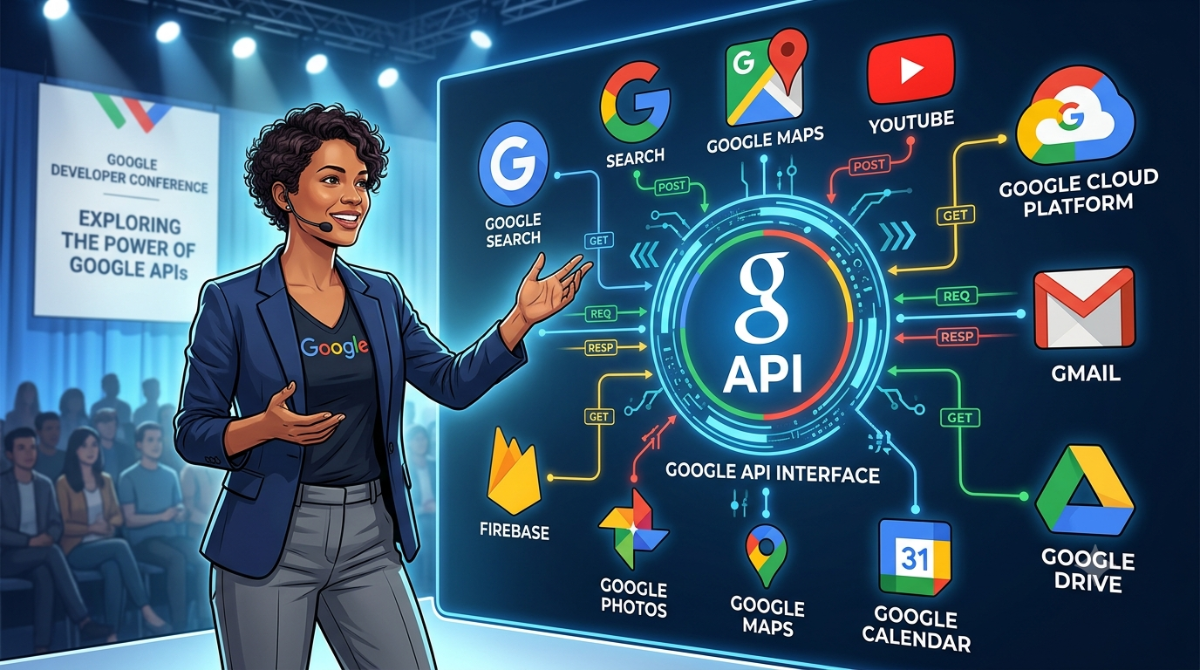
अगर आप AI Tool, Next.js Website, Mobile App, Automation System, या कोई SaaS Product बना रहे हैं, तो सिर्फ़ अच्छा Frontend बनाना काफी नहीं होता। असली ताकत Backend Services और APIs से आती है।
Google के पास दर्जनों APIs उपलब्ध हैं जो AI, Database, Authentication, File Storage, Email Automation, Maps, Analytics और Serverless Computing जैसी सुविधाएँ देती हैं। अच्छी बात यह है कि इनमें से कई APIs Always Free Tier के साथ आती हैं, जिससे आप बिना शुरुआती लागत के अपना प्रोजेक्ट शुरू कर सकते हैं।
लेकिन एक समस्या है।
हर API का Free Tier, Billing Model, Resource Limits और Use Case अलग-अलग है। कई नए Developers सिर्फ़ “Free” देखकर API चुन लेते हैं और बाद में Limits, Billing या Architecture की वजह से Project Migration करना पड़ता है।
इस गाइड में हम सबसे उपयोगी Google APIs का Practical Comparison करेंगे और समझेंगे कि कौन-सी API किस तरह के Project के लिए सबसे बेहतर है।
🤖 Artificial Intelligence & Machine Learning APIs
अगर आपका लक्ष्य AI Chatbot, Content Generator, OCR Tool, Voice Assistant या Translation Platform बनाना है, तो Google की AI APIs आपकी Development Journey को काफी आसान बना सकती हैं।
|
API |
Always Free Tier |
Best Used For |
|
Gemini API |
Rate-limited Free Quota |
AI Chatbots, Content Generation, Coding |
|
Cloud Translation API |
500,000 Characters / Month |
Multi-language Websites |
|
Speech-to-Text API |
60 Minutes Audio / Month |
Voice Transcription |
|
Vision API |
1,000 Requests / Month |
OCR & Image Analysis |
|
Natural Language API |
5,000 Text Units |
Sentiment Analysis |
|
Video Intelligence API |
1,000 Analysis Units |
Video Recognition |
💡 Best Choice
अगर आप AI आधारित Website या SaaS बना रहे हैं, तो शुरुआत Gemini API से करना सबसे व्यावहारिक विकल्प है। Content Generation, Coding Assistance और AI Automation के लिए यह सबसे उपयोगी APIs में से एक है।
☁️ Website Backend & Compute APIs
Frontend केवल User Interface दिखाता है। Backend वह हिस्सा होता है जहाँ Business Logic, APIs, Database Queries और Automation चलते हैं।
Google इसके लिए कई Managed Services उपलब्ध कराता है।
|
API |
Always Free Tier |
Best Used For |
|
Cloud Run |
2 Million Requests / Month |
Backend APIs |
|
Cloud Functions |
2 Million Invocations / Month |
Webhooks & Automation |
|
Compute Engine |
1 e2-micro VM |
Linux Server Hosting |
|
App Engine |
28 Instance Hours / Day |
Traditional Web Apps |
💡 किसे चुनें?
- Cloud Run → Modern Next.js Backend
- Cloud Functions → छोटे Automation Tasks
- Compute Engine → Full VPS Control
- App Engine → Managed Application Hosting
उदाहरण
मान लीजिए आपकी Website पर Contact Form है।
Form Submit होने के बाद Email भेजना है, Database में Data Save करना है और Telegram Notification भी भेजनी है।
ऐसे Workflow के लिए Cloud Functions एक बेहतरीन विकल्प हो सकता है।
🗄️ Database, Storage & Analytics APIs
कोई भी Dynamic Website Database और File Storage के बिना पूरी नहीं होती।
Google इसके लिए अलग-अलग Services उपलब्ध कराता है।
|
API |
Always Free Tier |
Best Used For |
|
Firestore |
1 GB + Daily Reads |
NoSQL Database |
|
Cloud Storage |
5 GB Storage |
Images, Videos, Files |
|
Google Drive API |
15 GB Account Storage |
File Management |
|
BigQuery |
10 GB Storage + 1 TB Queries |
Data Analytics |
|
Pub/Sub |
10 GB Data |
Event Processing |
💡 कब कौन-सी Service चुनें?
- User Profiles → Firestore
- Image Upload → Cloud Storage
- PDF Management → Google Drive API
- Analytics Dashboard → BigQuery
- Microservices → Pub/Sub
📧 Google Workspace Productivity APIs
अगर आपकी Website Google Workspace के साथ Integrate होनी है, तो ये APIs आपका काफी समय बचा सकती हैं।
|
API |
Always Free Tier |
Best Used For |
|
Google Sheets API |
300 Requests / Minute |
Spreadsheet Database |
|
Gmail API |
Personal Account Limits Apply |
Automated Emails |
|
Docs API |
Free |
Report Generation |
|
Calendar API |
Free |
Appointment Booking |
|
YouTube Data API |
10,000 Daily Points |
YouTube Automation |
उदाहरण
अगर आप छोटी Business Website बना रहे हैं और अलग Database नहीं लगाना चाहते, तो शुरुआती स्तर पर Google Sheets API का उपयोग Contact Form Data Store करने के लिए किया जा सकता है।
🗺️ Google Maps Platform
Location आधारित Applications के लिए Google Maps आज भी सबसे लोकप्रिय विकल्पों में से एक है।
|
API |
Free Allowance |
Best Used For |
|
Google Maps Platform |
Monthly Free Usage Allowance (subject to current pricing) |
Maps, Location Search, Store Locator |
इसका उपयोग कहाँ होता है?
- Food Delivery Apps
- Cab Booking
- Real Estate Websites
- Store Locator
- Address Autocomplete
- Route Navigation
⚠️ ध्यान दें
Google Maps Platform की Pricing और Free Allowance समय-समय पर बदल सकती है। Production Project शुरू करने से पहले Google की आधिकारिक Pricing अवश्य देखें।
🎯 किस Project के लिए कौन-सी Google API चुनें?
|
Project |
Recommended APIs |
|
AI SaaS |
Gemini API + Cloud Run + Firestore |
|
Blog CMS |
Cloud Run + Cloud Storage |
|
Food Delivery |
Maps Platform + Firestore + Cloud Functions |
|
CRM Software |
Sheets API + Gmail API + Calendar API |
|
OCR Scanner |
Vision API + Cloud Storage |
|
Voice Assistant |
Speech-to-Text + Gemini API |
|
Multi-language Website |
Translation API + Cloud Run |
💡 अगर जल्दी फैसला लेना है…
✅ AI Chatbot → Gemini API
✅ Backend APIs → Cloud Run
✅ Webhooks → Cloud Functions
✅ NoSQL Database → Firestore
✅ File Storage → Cloud Storage
✅ Email Automation → Gmail API
✅ Spreadsheet Database → Google Sheets API
✅ Maps & Navigation → Google Maps Platform
📌 Google APIs चुनते समय ये बातें याद रखें
- सिर्फ़ Free Tier देखकर API मत चुनिए।
- Billing Policy पहले समझिए।
- Project Scale होने पर Upgrade Cost कितनी होगी, यह भी देखें।
- Documentation और Community Support भी महत्वपूर्ण है।
- जहाँ संभव हो, Managed Services चुनें ताकि Server Maintenance कम रहे।
✅ निष्कर्ष
Google Cloud Ecosystem इतना बड़ा है कि लगभग हर प्रकार के Web या Mobile Project के लिए कोई न कोई उपयुक्त API उपलब्ध है।
अगर आप AI Application बना रहे हैं, तो Gemini API शानदार शुरुआत है। यदि आपका लक्ष्य Serverless Backend है, तो Cloud Run और Cloud Functions बेहतरीन विकल्प हैं। वहीं Firestore तेज़ NoSQL Database देता है, Cloud Storage बड़े Files संभालने में मदद करता है और Google Maps Platform Location आधारित Applications के लिए इंडस्ट्री स्टैंडर्ड माना जाता है।
सबसे महत्वपूर्ण बात यह है कि किसी भी API को चुनने से पहले केवल Free Tier नहीं, बल्कि उसकी Scalability, Documentation, Ecosystem और भविष्य की Pricing भी समझें। सही Architecture शुरुआत में चुनने से आगे चलकर Migration, Downtime और Development Cost—तीनों में बचत होती |
—-ends here—-


